

POP Module 2 - Troubleshooting
Solar Power Systems and Energy Management
Master solar power fundamentals, battery management, troubleshooting, and sustainable operation of off-grid POP systems
Learning Objectives
By the end of this module, you will be able to:
Explain how solar panels, batteries, and controllers work together
Diagnose and resolve common power system issues
Calculate power budgets for POP equipment loads
Describe sustainability benefits of solar-powered POPs
Monitor battery charge levels and interpret system health indicators
Troubleshooting Power Issues
Common problems, diagnostic steps, and solutions
Most power system issues can be diagnosed and resolved in the field with basic troubleshooting. Understanding common failure modes and systematic diagnostic approaches will minimize downtime.
POP Troubleshooting Guide
Power System Diagnostics & Solutions
PROBLEM
POP Equipment Offline / No Power
Possible Causes
- Battery completely discharged (SOC 0%)
- Charge controller in protected mode
- Loose or corroded connections
- Blown fuse or tripped breaker
- Equipment enclosure power switch off
Diagnostic Steps
- Check equipment enclosure power switch (should be ON)
- Verify battery voltage at terminals (should be ≥11.5V for 12V system)
- Check all fuses and breakers in power distribution panel
- Inspect battery cable connections for tightness and corrosion
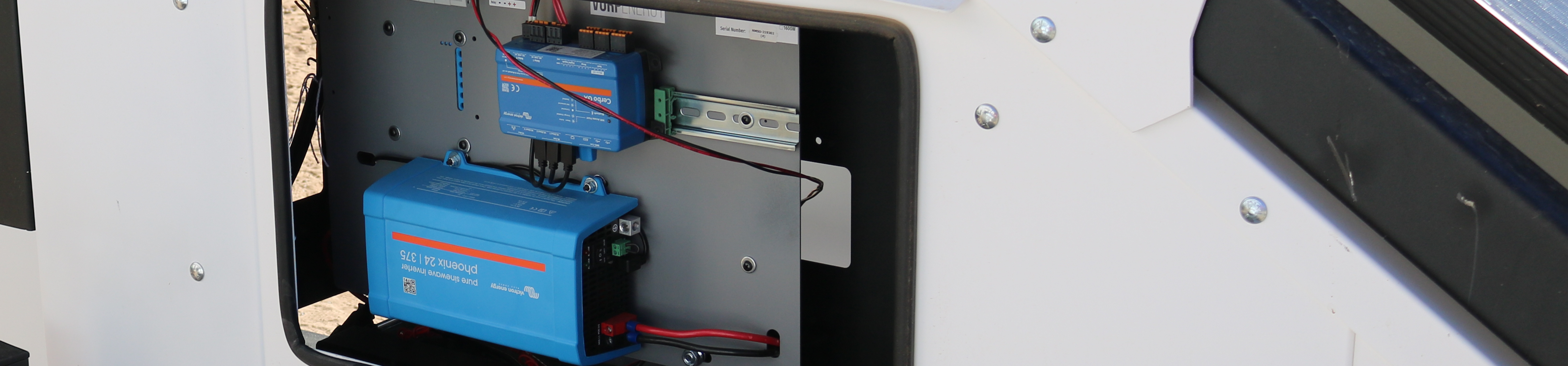
- Access Cerbo GX (if powered) to check for error codes
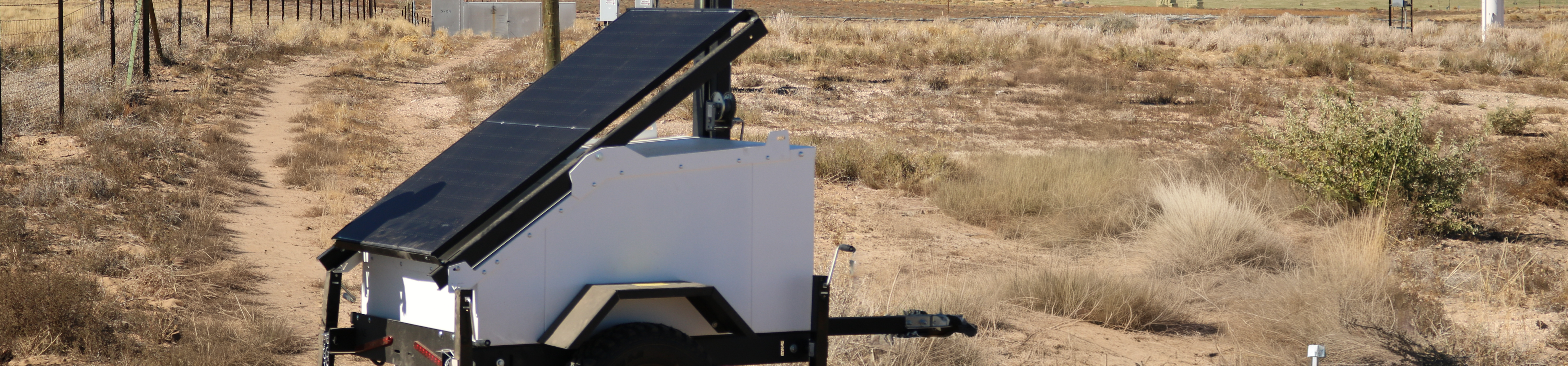
- Verify solar panel connections and check for physical damage
Solutions
- If battery voltage <11V: Allow solar charging for 4-6 hours, or jump-start from vehicle
- If fuse blown: Replace with same amperage rating, investigate cause of overcurrent
- If connections loose: Tighten with appropriate wrench, apply dielectric grease
- If corrosion present: Clean terminals with wire brush and baking soda solution
PROBLEM
Batteries Not Charging
Symptoms
- SOC decreasing during daylight hours
- Cerbo GX shows 0W solar production on sunny day
- Battery voltage not increasing during day
Diagnostic Steps
- Verify solar panels are not shaded (trees, mast, equipment)
- Check solar panel surface for heavy dust/dirt accumulation
- Inspect solar panel cables for damage or disconnection
- Verify charge controller displays incoming solar voltage
- Check for error codes on charge controller
Solutions
- Remove shading sources or reposition trailer
- Clean solar panels with water and soft brush (no abrasives)
- Reconnect or replace damaged solar cables
- Reset charge controller (power cycle) if necessary
- Contact IT support if charge controller appears failed
PROBLEM
Rapid Battery Discharge
Symptoms
- SOC drops faster than expected (e.g., 50% to 20% overnight)
- High current draw shown on Cerbo GX (>10A continuous)
- Batteries don't last through night
Possible Causes
- Additional equipment connected (cameras, sensors) drawing unexpected power
- Failed equipment with short circuit or excessive draw
- Degraded batteries with reduced capacity
- Inverter left on powering AC loads
Solutions
- Review Cerbo GX load monitoring to identify high-draw equipment
- Disconnect non-essential loads one at a time to isolate problem
- Verify inverter is off when not needed (check equipment enclosure)
- If batteries are >5 years (SLA) or >10 years (LiFePO4), may need replacement
- Document issue and contact IT support for battery capacity testing
PROBLEM
Intermittent Power Loss
Symptoms
- Equipment reboots randomly
- Network connectivity drops and restores
- Cerbo GX shows voltage fluctuations
Likely Causes
- Loose cable connections (vibration from wind)
- Corroded terminals creating high resistance
- Failing charge controller or power distribution component
Solutions
- Systematically check and tighten all power connections
- Clean and treat all terminals with dielectric grease
- Secure cable runs to prevent movement and vibration
- Monitor system for 24 hours after repairs to confirm resolution
- If problem persists, contact IT support for component testing
When to Call for Support
Contact NMSU IT support immediately if you encounter:
Smoke, burning smell, or unusual heat from equipment
Battery swelling, leaking, or physical damage
Repeated fuse failures after replacement
Charge controller displaying persistent error codes
Any situation you're uncertain how to safely resolve
⚠️ Safety First: If equipment appears damaged or unsafe, power down the system and wait for professional assistance.